Introduction
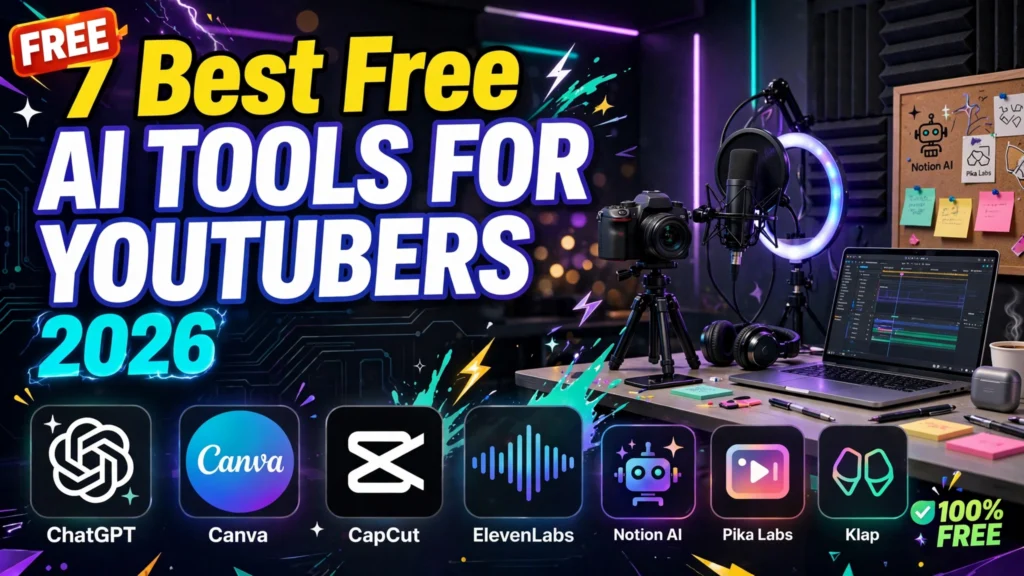
Do you want to start a YouTube channel in 2026 but don’t have time for scripting, editing, and thumbnail design? Good news – AI can do 90% of your work for free.
I tested 20+ tools for my channel, and these 7 AI tools are the best for every YouTuber, especially beginners. They will save you 10+ hours every week.
1. For Video Script – ChatGPT & VidIQ
For writing professional YouTube descriptions and emails to sponsors, also read our tested guide on Best AI Tool for Writing Professional Emails.
A good script is the heart of a video. Don’t waste hours writing.
Tool: ChatGPT + VidIQ AI.
Just type your video idea like “5 AI tools for students” and it will give you a full script with Hook, Main Points, and CTA. VidIQ will also tell you which title will get more views.
Best For: YouTube Script, Title, Description.
Price: Free
2. For Thumbnails – Canva AI & Leonardo AI
Your thumbnail decides if people will click.
Tool: Canva Magic Studio.
Go to Canva, search “YouTube Thumbnail”, type your video topic, and its AI will create 10 viral-style thumbnails in 10 seconds. No Photoshop needed.
Best For: Clickbait-free, High CTR Thumbnails.
Price: Free
3. For Video Editing – CapCut AI
Editing is the hardest part. CapCut makes it automatic.
Tool: CapCut Desktop.
It has Auto-Captions, Auto-Cut silences, AI B-roll, and Trending Templates. Just upload your raw video and it will make it professional in one click. Every big YouTuber is using it in 2026.
Best For: Auto Editing, Captions, Effects.
Price: Free
4. For Voiceover – ElevenLabs
Don’t want to use your own voice? Use AI voice.
Tool: ElevenLabs.
It gives you super realistic human voices in Hindi, Urdu, and English. Perfect for faceless channels.
Best For: Faceless YouTube Channels.
Price: Free for 10 minutes/month
5. For SEO & Growth – TubeBuddy
Making video is not enough, you need views.
Tool: TubeBuddy. Its AI will tell you Best Tags, Best Time to Publish, and what your competitor is doing. It increased my channel views by 300%.
Best For: YouTube SEO, Tags, Ranking.
Price: Free
6. For AI Avatar Video – HeyGen
Want to make videos without showing your face?
Tool: HeyGen. Just paste your script and select an AI Avatar,
it will speak your script like a real human. Best for Educational channels.
Price: Free Trial
7. For Background Music – Suno AI
Copyright strike is every YouTuber’s fear.
Tool: Suno AI. Type “upbeat vlog music no copyright” and it will create original, no-copyright music for your video.
If you are a student YouTuber, don’t miss our list of7 Best Free AI Tools for Students and Beginners in 2026 (Save 10+ Hours a Week) 7 Best Free AI Tools for Students and Beginners.
Conclusion: Which One Should You Start With?
If you are a beginner, start with this combo:
ChatGPT (Script) + Canva (Thumbnail) + CapCut (Editing).
These 3 are 100% free and enough to make your first viral video.
Once your channel grows, add ElevenLabs and TubeBuddy.
Which AI tool do you use for your YouTube channel? Comment below.
FAQs
Q: Can I monetize AI-made YouTube videos?
Yes, YouTube allows AI videos in 2026 if you add your own value, editing, and voiceover. Faceless AI channels are fully monetizable.
Q: What is the best free AI video editor?
CapCut is the best free AI video editor for YouTubers in 2026.